How to Send Print Jobs using PakiPrint
Follow these simple steps to submit your print job with PakiPrint.
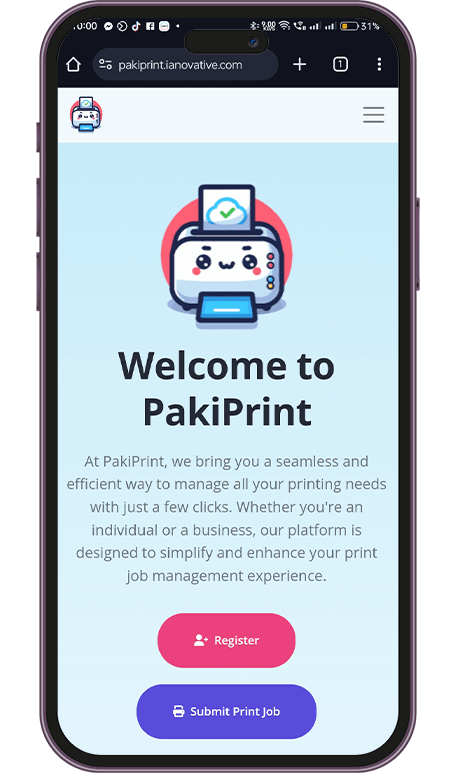
Step 1: Click Submit Print Job
Navigate to the PakiPrint platform and click on the "Submit Print Job" button.
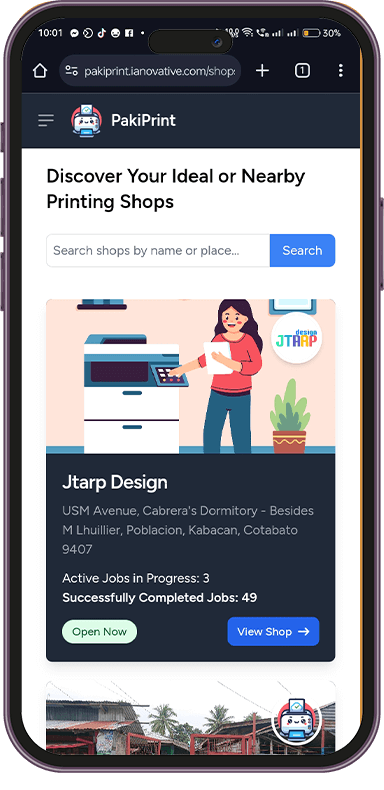
Step 2: Find Your Favorite Shop
Browse through available printing shops and select your preferred one.
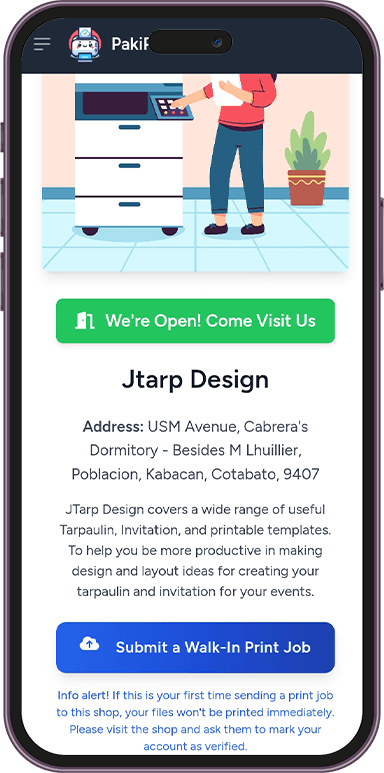
Step 3: Submit a Walk-in Print Job
Select the walk-in print job option to proceed with your order.
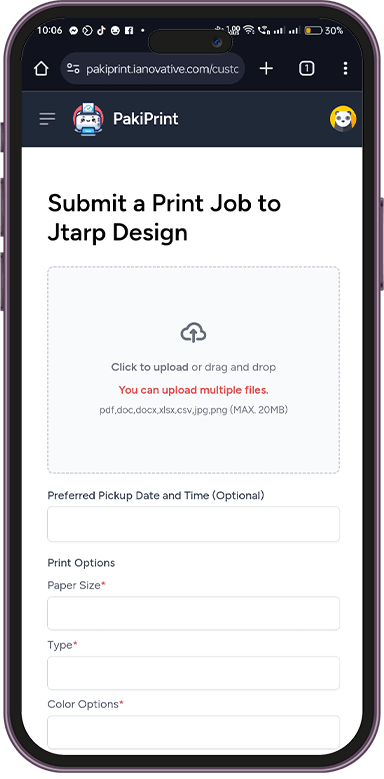
Step 4: Upload Your File and Fill Out Print Options
Upload the document you want to print and configure the print settings as per your preference.
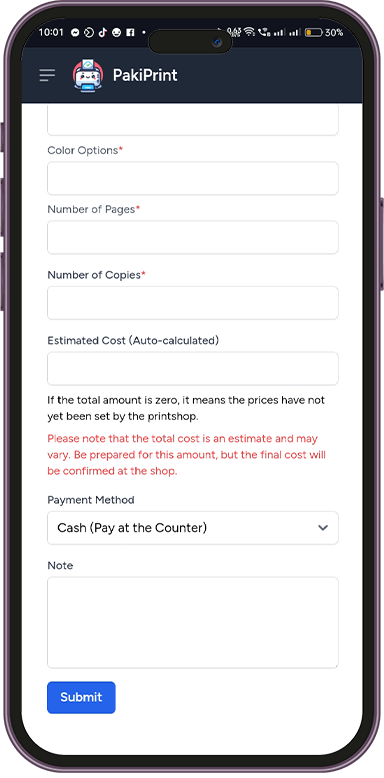
Step 5: Click Submit
Review your selections and submit your print job request.
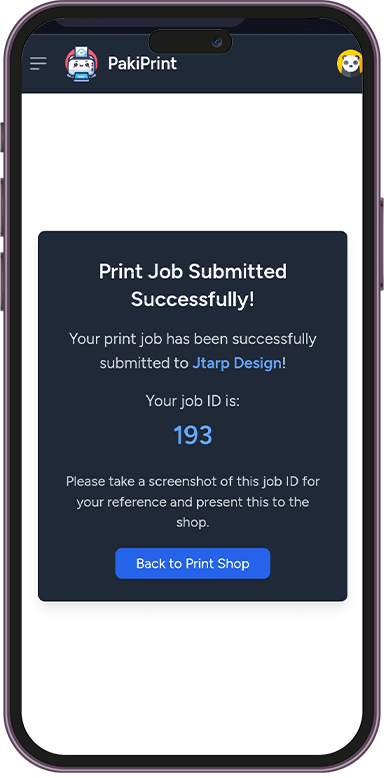
Step 6: Screenshot Your Print Job ID and Present It to the Shop
Take a screenshot of your Print Job ID and show it at the shop when collecting your prints.